






For work.


 Open a card
 App Store
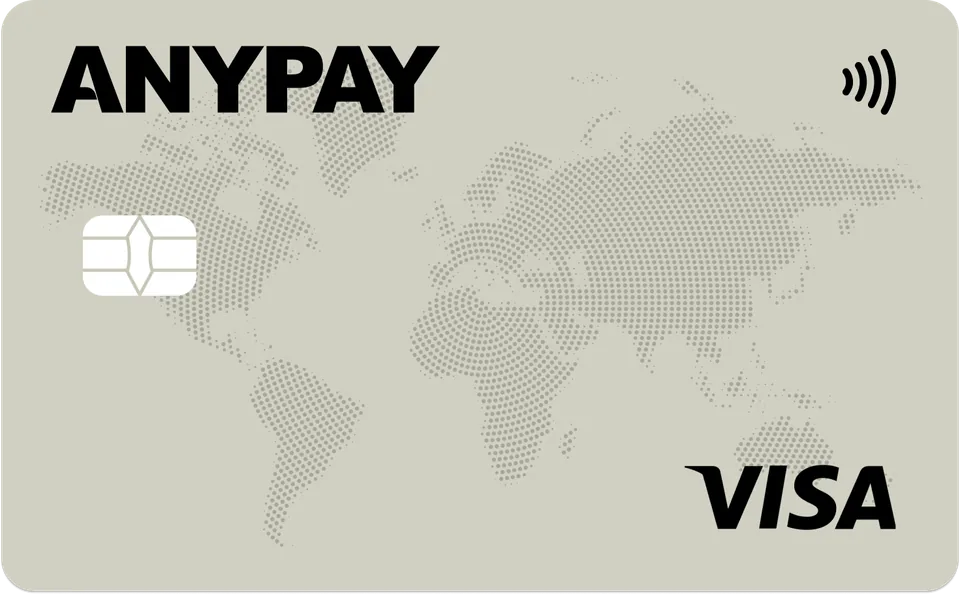
A virtual card for apps and subscriptions.
Top up with  USDT.
USDT.

 Pay
Pay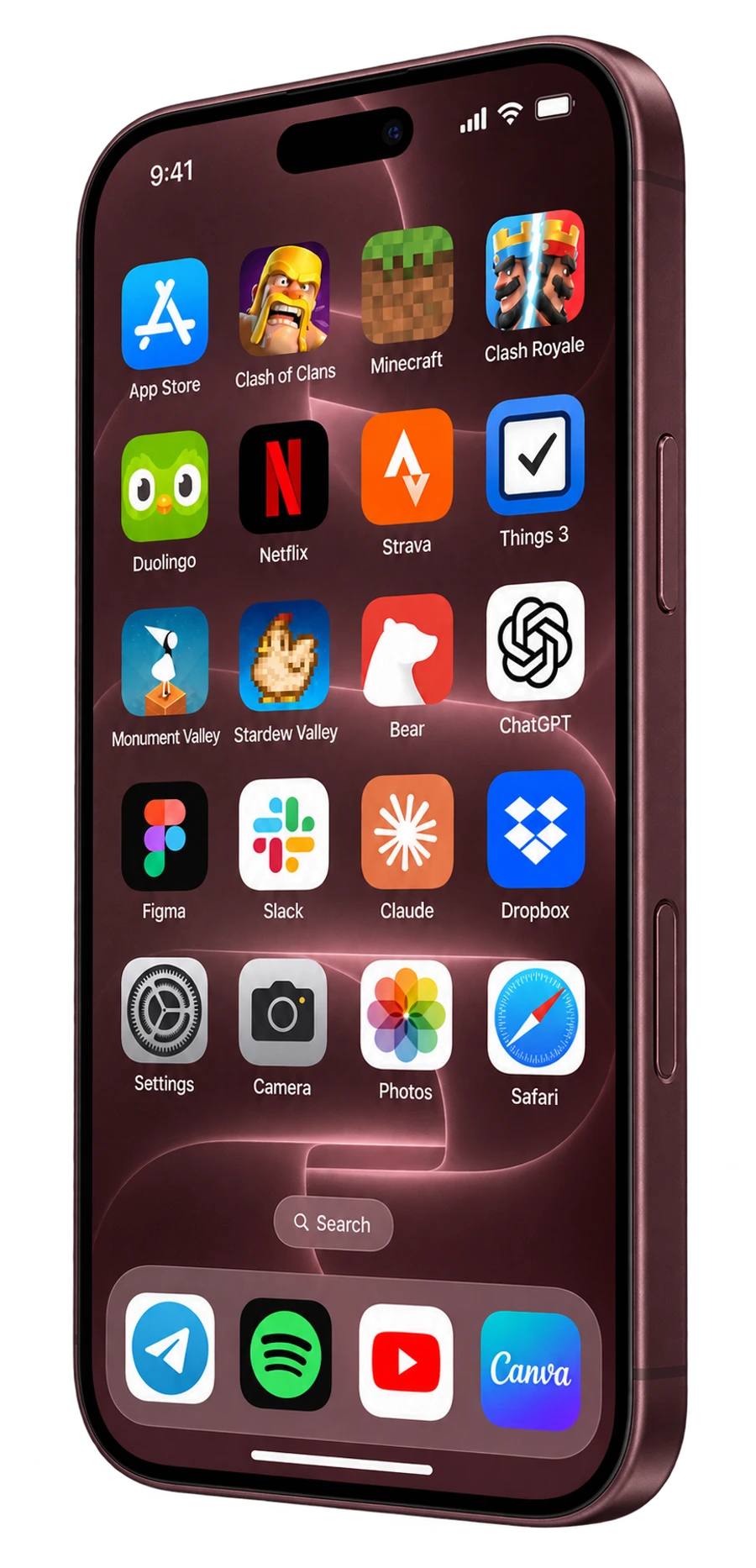






For apps and shopping
and AI subscriptions.
Pay
























Top up your wallet with USDT, transfer funds to the card and add it to your Apple account.
USDTApp Store
Your card is ready
in 2 minutes.


Real people 24/7
Hello! Can I add the card to the App Store?
Hello! Yes, you can add your AnyPay card to the App Store.
On iPhone, open Settings → your name → Payment & Shipping → Add Payment Method. Enter your AnyPay card details, name and billing address, then tap Done. Your account region must match the chosen card.
Top up your AnyPay wallet with USDT on TRC-20, then transfer funds to the card. Apple receives a regular card payment.
Simple costs 45 USDT to issue with a 3.5% top-up fee. Ultimate costs 55 USDT with a 4.5% fee. Choose Ultimate for AI services.
Singapore for Ultimate; Hong Kong for Simple. Before changing region, spend your Apple balance and complete subscriptions or purchases that prevent the change. Use billing details for the chosen region.
For App Store purchases, add the card to your Apple account’s payment methods. Apple Pay in Wallet is set up separately for payments with your phone in stores and other supported uses.
Yes. Your Apple account card can pay for the App Store, iCloud+ and Apple Music. Transfer enough funds before renewal. Service availability depends on your account region.
Open Settings → your name → Subscriptions, select the subscription and tap Cancel Subscription. Topping up or freezing a card in AnyPay does not cancel an Apple subscription.
Yes. Conversion uses Visa’s exchange rate.