
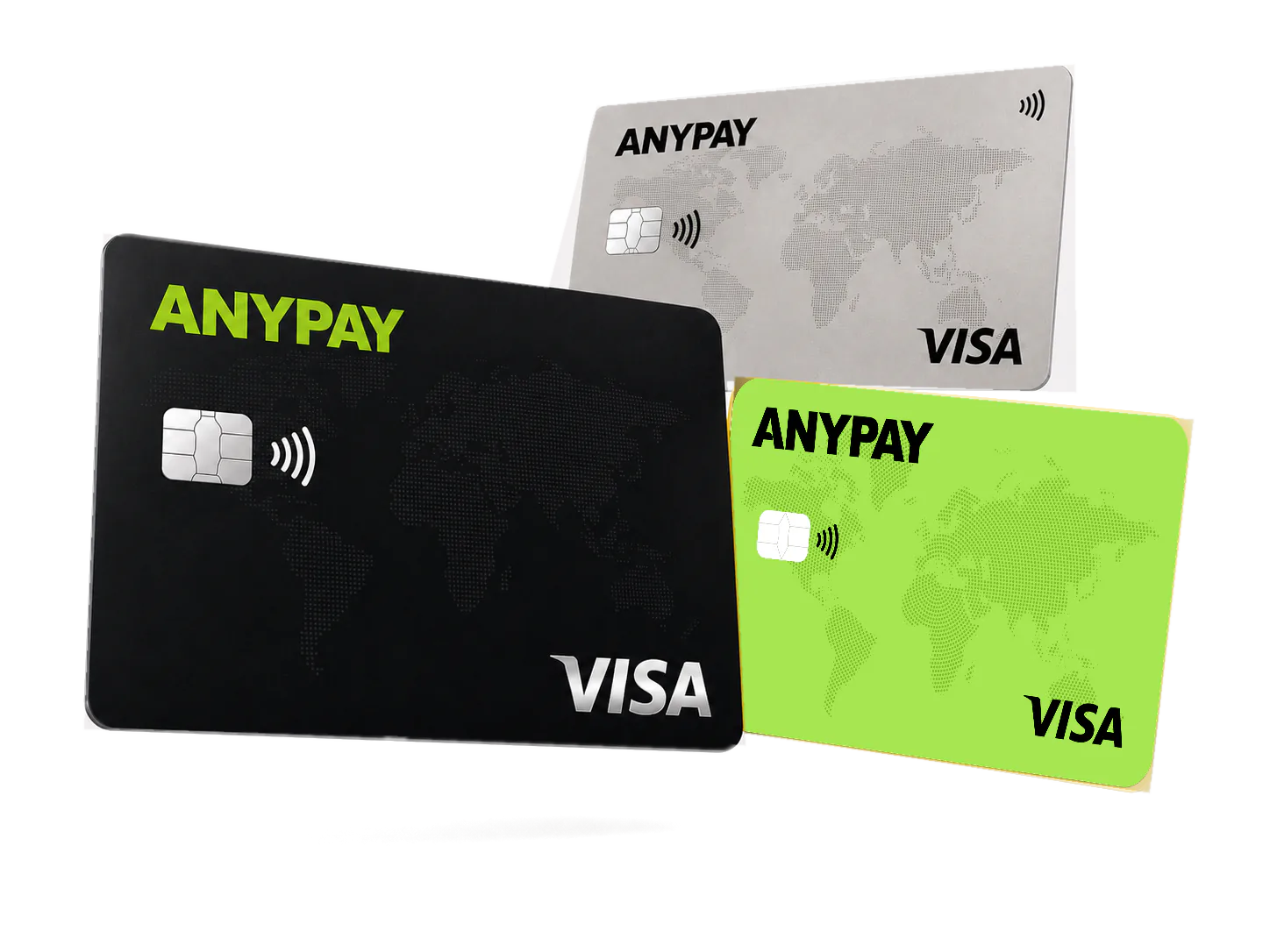
1. Check card support
The public AnyPay page lists Apple Pay support for the Ultimate card. Confirm current availability in the Mini App.
Use a supported AnyPay card in Apple Wallet for contactless payments.
Open Mini AppThe public AnyPay page lists Apple Pay support for the Ultimate card. Confirm current availability in the Mini App.
Choose Add Card and enter the AnyPay card details requested by Apple Wallet.
Follow the verification flow shown on the device. Contact the AnyPay care team if the card cannot be added.
The AnyPay care team is available 24/7 for card availability, limits and account-specific questions.