
1. Open the app
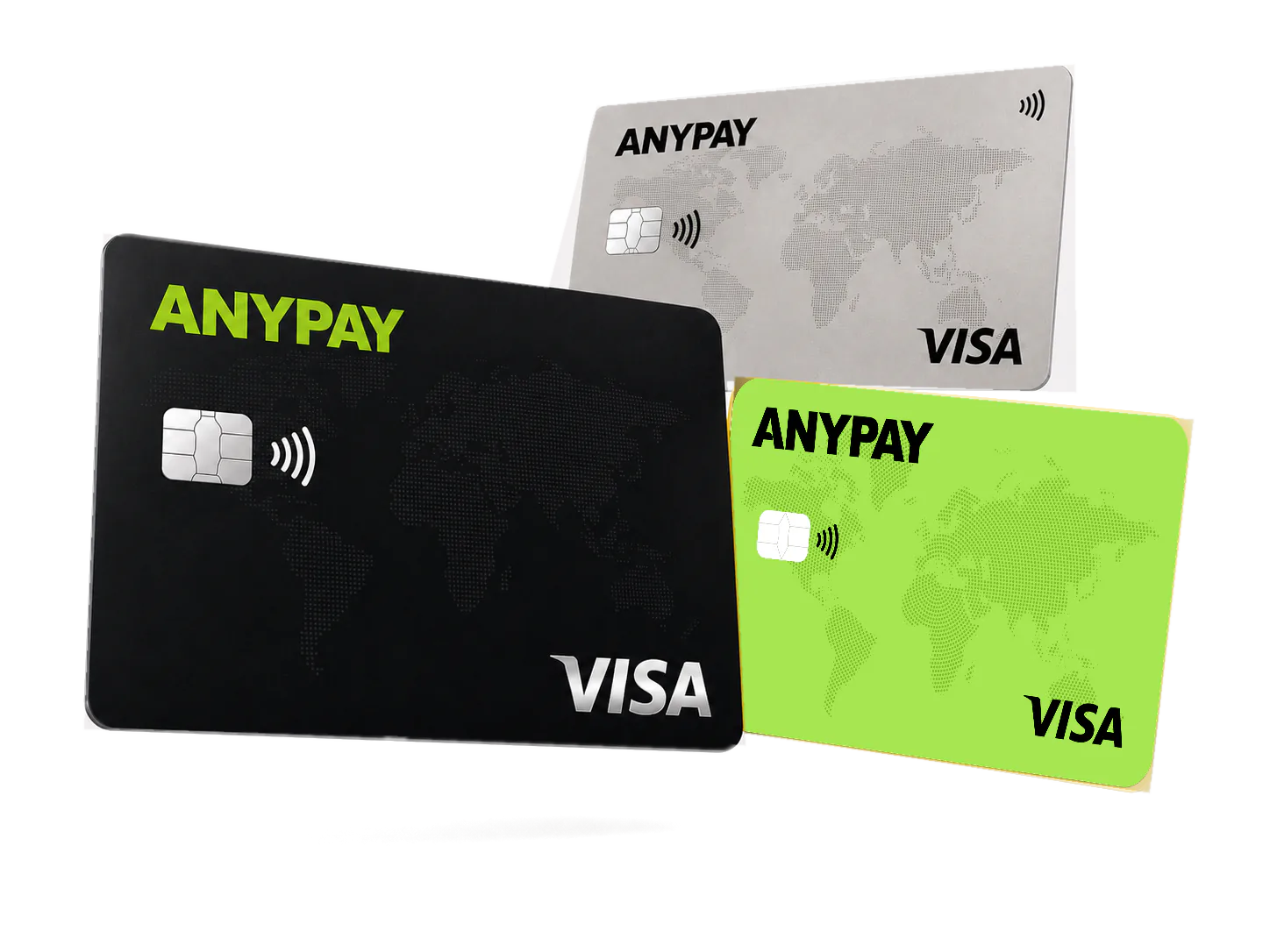
Open the AnyPay Mini App in Telegram and review the cards currently available to you.
A short guide from opening the Mini App to making your first supported payment.
Open Mini AppOpen the AnyPay Mini App in Telegram and review the cards currently available to you.
Select a suitable plan, issue the card and follow the in-app funding instructions.
Use the card for supported purchases and confirm supported 3D Secure requests inside the app.
The AnyPay care team is available 24/7 for card availability, limits and account-specific questions.