
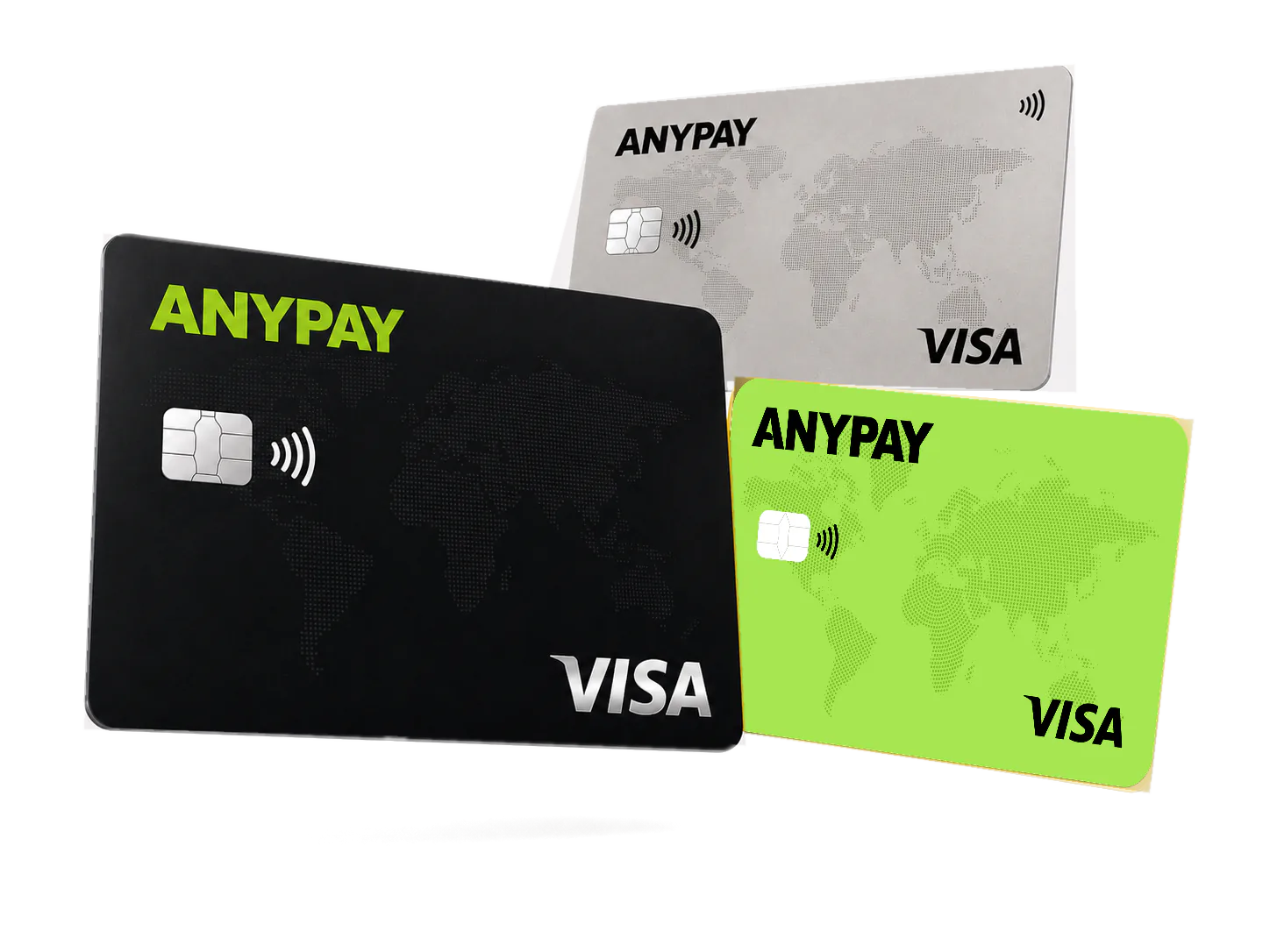
1. Choose a suitable card
The public AnyPay page lists the Ultimate card for AI subscriptions. Check current availability in the Mini App.
Prepare a supported AnyPay card and use it as the payment method for your ChatGPT subscription.
Get a cardThe public AnyPay page lists the Ultimate card for AI subscriptions. Check current availability in the Mini App.
Add enough balance for the subscription and possible currency conversion before starting the payment.
Enter the card details on the official ChatGPT billing page and complete any supported confirmation request.
The AnyPay care team is available 24/7 for card availability, limits and account-specific questions.