Successful payments.
Subscriptions and international services paid for with AnyPay cards.
 Open a card
 Midjourney
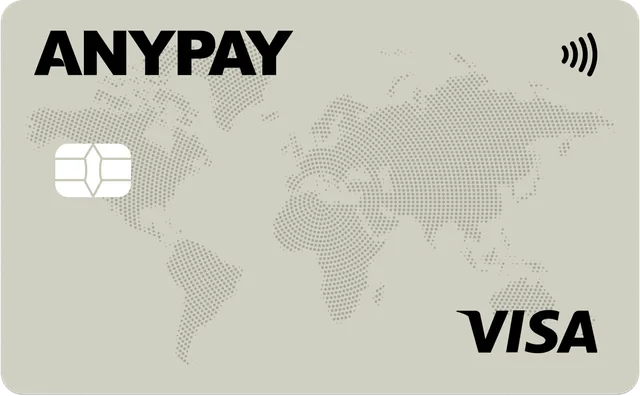
An Ultimate virtual card for Midjourney.
Top up with  USDT.
USDT.

 Pay
PaySubscriptions and international services paid for with AnyPay cards.
ChatGPT, Claude, Cursor and other AI services — with one Ultimate card.
Issue a card, top up with USDT and pay for your subscription. Manage it all in Telegram.






















Taxis, cafés and shopping.
Add Ultimate to Apple Pay
or Google Pay.
Pay Starbucks8 €
 Zara49 €
 Apple10 €
Top up your wallet with USDT, transfer funds to Ultimate and pay for your chosen plan on Midjourney.
USDTMidjourney
Your card is ready
in 2 minutes.
Top up before the next charge.
Manage your subscription in Midjourney.
 AnyPay Ultimate•••• 3678
Real people 24/7
Hello! Can I pay for Midjourney?
Hello! Yes, you can pay with Ultimate for Midjourney.
AnyPay Ultimate works for Midjourney. Issue a card in Telegram, top up with USDT and enter its details to pay for a plan on Midjourney’s website.
No. Pay yourself with Ultimate in your own Midjourney account. You do not need to share your password or account access with AnyPay.
Ultimate costs 55 USDT to issue, with a 4.5% top-up fee. Pay directly with your Ultimate card. The chosen plan’s price is shown on Midjourney’s payment page.
Top up your AnyPay wallet with USDT in Telegram, then transfer funds to Ultimate. Your card is ready to pay for the subscription.
Yes. Send USDT to your AnyPay wallet and top up Ultimate. Available networks and transfer details are shown in the bot.
Use the billing address shown for Ultimate in AnyPay. Your billing address must match the card details.
Yes. Ultimate works for ChatGPT, Claude, Cursor and other AI services. Issue one card and use it for different subscriptions.
No. You can pay for several services with one Ultimate card. Top up as needed and use the same details for future payments.
Everything is in the AnyPay Telegram bot: issuance, top-ups, details and transaction history. The Care Team is available 24/7.
Get Ultimate in Telegram and top up with USDT
and pay for your Midjourney plan.