
Before adding the card
Use an issued Ultimate or Simple card. You add it in the Google Wallet app.
Add the card to Google Wallet
Open Google Wallet on your phone and follow these steps:
Open Google Wallet
Tap Add to Wallet.
Choose manual entry
Choose Payment card → New credit or debit card → Enter details manually.
Enter the card details
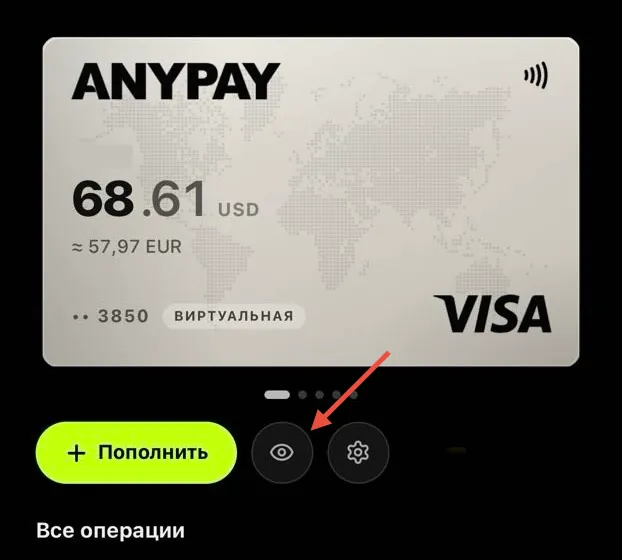
In AnyPay, open Ultimate or Simple and tap the eye icon below the card. Enter the card number, expiry date and CVV in Google Wallet. Enter your real first and last name in Latin characters. If a billing address is required, use the address in your AnyPay card details.
Save the card
Tap Save and continue, then accept the terms on the screen.
Enter the code from the bot
If Google Wallet asks you to verify the card, choose SMS. The code will arrive in the AnyPay bot in Telegram — enter it in Google Wallet.
 Message us on Telegram