
Sign in to your Google Account
Open Google Play on Android or in a browser and sign in to the account you will use for purchases. Open Google Play
Connect a VPN
For Ultimate, start with Singapore; for Simple, start with Hong Kong. Connect the VPN before opening Google Play and check that the connection works.
Add the card
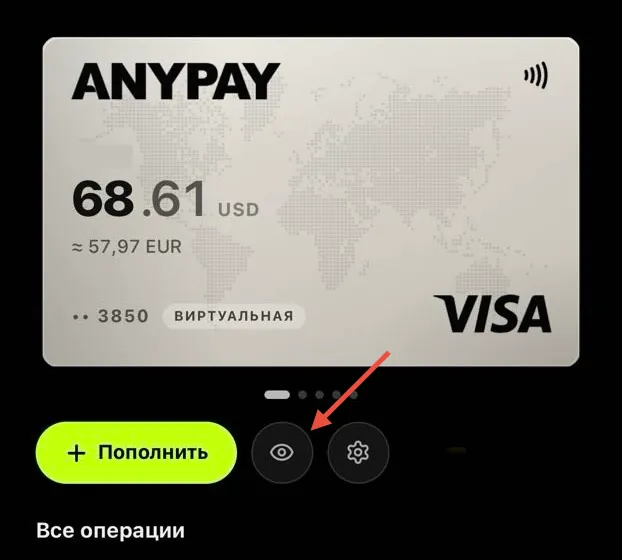
Tap the profile icon → “Payments & subscriptions” → “Payment methods” → “Add credit or debit card”. Enter the card number, expiry date and CVV from AnyPay — tap the eye icon below your card to see them. Use your real first and last name in Latin characters. For Billing address, enter a valid billing address and postal code in Singapore for Ultimate or Hong Kong for Simple. Select the matching country and click “Save”.
How to add a card to Google Play
Connect Ultimate or Simple to pay for apps, games and subscriptions in Google Play.
 Message us on Telegram