
Open wallet funding
AnyPay charges no fee for wallet deposits. Follow the steps below.
Open AnyPay
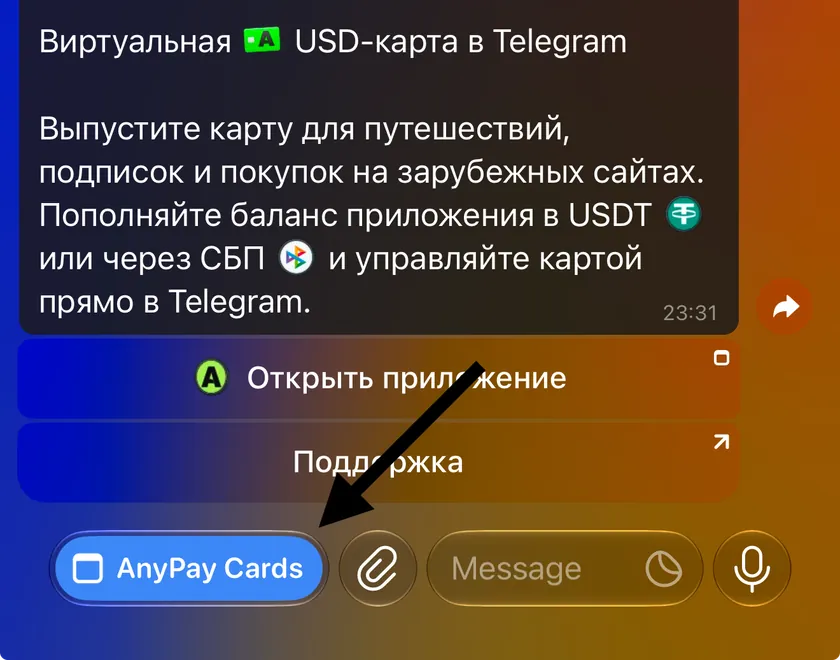
Go to @any_paybot in Telegram and tap “Open app” or “AnyPay Cards”.
Tap “Fund”
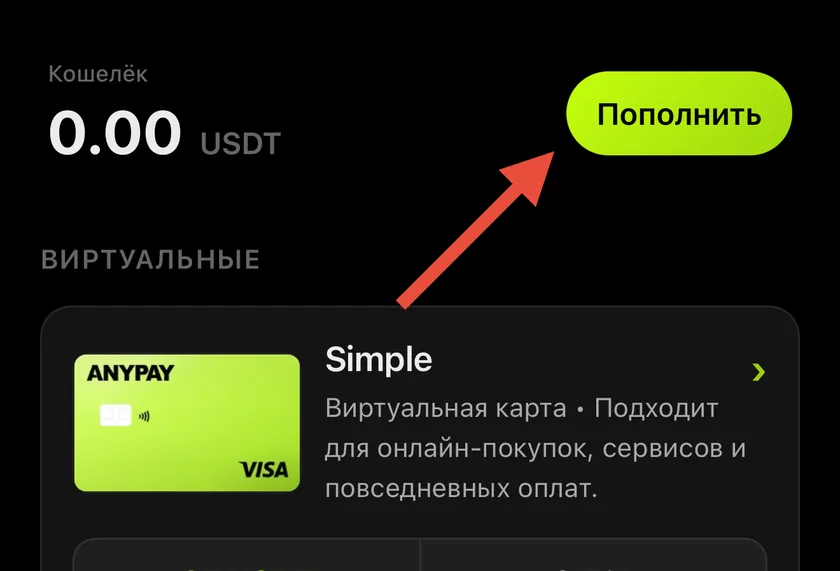
On the home screen, tap the button beside your wallet balance and choose USDT TRC-20.
Fund with USDT TRC-20
The full USDT amount received is credited to your wallet with no AnyPay fee.
- Choose USDT TRC-20. AnyPay will display the wallet address and a QR code.
- In the app you are sending from, select USDT and the TRC-20 network. Paste the address from AnyPay or scan the QR code, then enter the amount.
- Confirm the transfer.
Need another funding method?
Tell the AnyPay Care Team how you would like to deposit funds. A specialist will explain the available options and how to fund your wallet.
What happens next
Funds appear in your wallet automatically. Deposits usually take up to 15 minutes. To pay with an issued card, transfer the amount you need from your wallet to that card. A fee applies when you fund a card. The app shows the fee and how much the card will receive before you confirm.
 Message us on Telegram